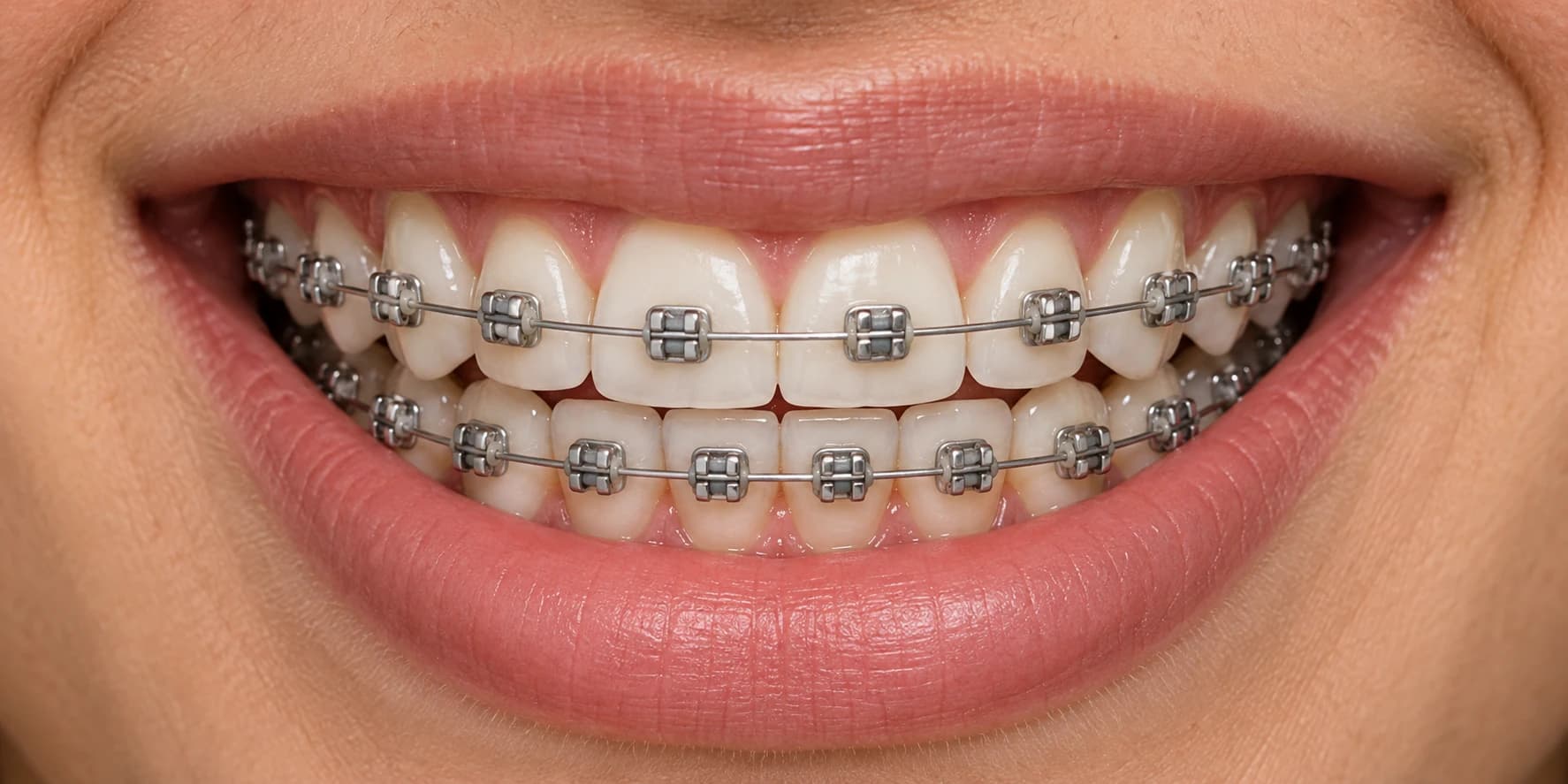
Lilac + Pink
Soft, with a little personality.
FREE BRACES COLOR PICKER
Try braces colors on a sample smile. Compare one color, two-color combinations and custom shades before your next appointment.
Free to explore. No sign-up needed.
Create a free account when you're ready to save your colors.
Try these colors on my photoA little inspiration for your next smile.
Soft, with a little personality.
A fresh take on a classic blue.
Understated. Always a good look.
MAKE IT PERSONAL
Upload your photo, choose your colors, and create a preview on your own smile.
AI model: gpt-image-2.5-sunburst
Access provider: Tuzi (api.tu-zi.com) image editing API.
Start with the small elastic ties around your brackets. Compare light blue, royal blue and navy braces, explore black braces and darker combinations, or learn which braces colors make teeth look whiter. Then check your favorites against your orthodontist's actual shades.
The American Association of Orthodontists describes a ligature asA tiny rubber band, or sometimes a very thin wire. These ties hold the orthodontic wire in the bracket; this preview changes their illustrated color. Source: AAO orthodontic glossary.
10 preset shades · 9 color guides · Guides updated . Presets describe this website; your orthodontist's available shades may differ.
10 points = 1 AI image. The live illustrated picker uses 0 points. Choose from 3 one-time packs:
Source: current pricing and points. Product summary updated .
Compare a dark shade such as navy, a neutral such as silver, and a favorite bright or pastel color. Keep the same smile while you compare. Your preference and your orthodontist's available elastic colors determine the final choice; there is no single best color for everyone.
In this preview, color is applied to the small elastic ties around the silver brackets. The metal brackets and wire stay silver. Different orthodontic systems use different parts, so check the options available with your orthodontist.
Yes. Try two colors in the sample-smile picker without signing in. Select Two colors, choose your first color, then choose your second. The preview alternates them across the brackets. Ask your orthodontist which combinations and patterns they offer.
The preview is an illustration to help you compare colors. Your teeth, braces, lighting, screen, and the elastic brand can all change how a color looks in person. Use it as inspiration and check the available colors at your appointment.
Saved looks are stored in your account. Sign in on another device to see your collection. You can remove a look in the picker or use the copy-link button to share its colors.
Original smile photos and AI previews are stored privately in your account. You can remove your photos at any time. We only send a photo to our AI image service when you request a preview.
10 points create one new AI preview. Current one-time packs: $3.99 for 30 points (3 images); $9.90 for 150 points (15 images); $14.99 for 300 points (30 images). There is no automatic renewal. The illustrated picker does not spend points.
Points are reserved before a new image is generated. If generation fails or times out, the reserved points are automatically returned. Insufficient points prevent the AI request from starting.
Can darker braces colors make teeth look whiter? Crest's color guide explains that dark shades can create a whiter-looking contrast. This is a color effect, not tooth whitening. Compare the examples in our guide to whiter-looking teeth.
More questions about shades and bands? Explore the braces color guide.