Using bracescolors
How to preview braces colors on your own photo
Use the live picker to shortlist colors, then sign in and upload a smile photo to create a personal AI preview. Choose one color, two alternating colors or a custom shade. Creating a new AI image uses points; adjusting the color selection in the live picker does not.
By the bracescolors teamUpdated Color inspiration & product guidance
The live picker and the AI preview do different jobs
The live picker changes illustrated ties on one sample smile immediately. An account is required to interact with the picker and save recipes, but it does not spend points. It is a useful first step when you want to compare many colors.
The personal preview generates a new image using your uploaded photo. It takes longer and spends points for each generation. Start with a shortlist so that each generated image answers a useful question, such as whether you prefer blue alone or blue with pink.
Start with a clear photo
Choose a photo where your teeth are visible, your smile is in focus and the light is even. Avoid a heavy beauty filter, a very distant crop or a hand covering the mouth. A preview cannot reliably recover details that are missing from the original.
Use a photo you have permission to upload. Your original stays separate from the generated result. The service aims to preserve the original image dimensions, but an output with the same dimensions is not a guarantee that every facial or braces detail will remain identical.
From a color idea to a saved result
The photo studio keeps the original and generated result together so you can compare them. If you return after checkout, your selected photo and colors can be carried back into the studio.
- Sign in and open your photo studio.
- Upload or choose an original smile photo.
- Choose one color or two; open Custom color for a shade outside the presets.
- Check your available points and create a preview.
- Compare the generated result with the original, then download it or find it in My looks.
What spends points, and what happens if generation fails?
Each new AI image uses the current per-image rate shown on Pricing and in the studio. Single-color, two-color and custom-color generations use the same rate. Viewing existing results, downloading them and changing an unsubmitted color choice do not create a new charge.
The service checks and reserves points before calling the image API. A technical failure or timeout returns that generation's reserved points. A completed image has used the generation; creating another one with different colors is a new request. Check Pricing for the current packs and rate.
Private photos and realistic expectations
Originals and generated results are stored privately in your account. Uploading alone does not send an image for AI generation; requesting a preview does. You can remove photos from your collection. A copied color recipe contains the color selection, not your photo.
AI can change details in an image. Check the teeth, brackets and face before sharing the result, and use it as an illustration of a color idea. It is not a treatment simulation, an exact supplier color match or a prediction of your final smile. Our privacy page explains the services involved.
Current points & pricing Photo privacy
See the color ideas on a smile
Illustrative previews. Open a recipe, then sign in to adjust it or save your favorite. Real shades vary by supplier and lighting.
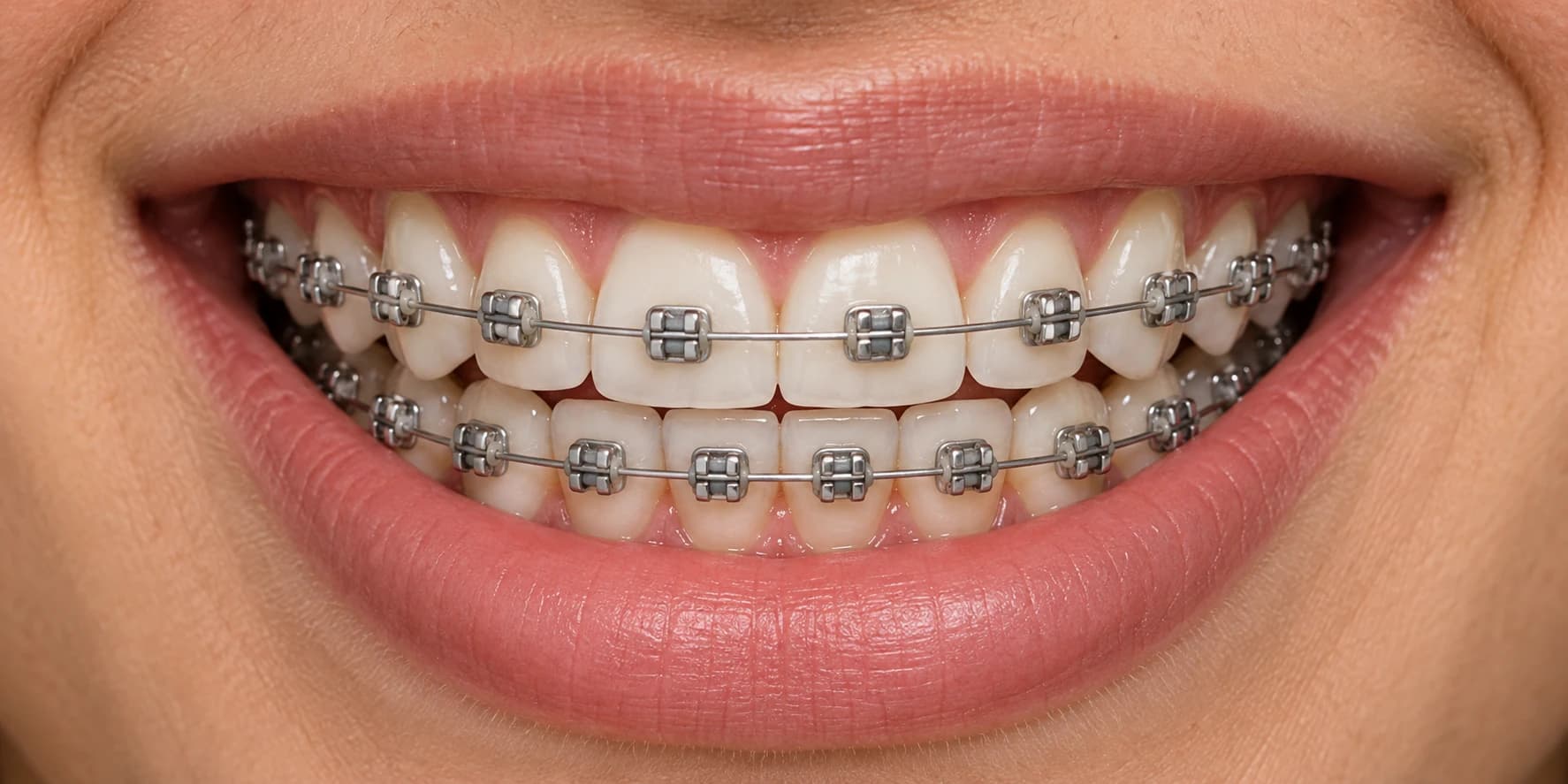
Start with blue
Choose one clear reference before generating a personal image.
Preview start with blueThen compare blue + pink
Keep the original photo and change the color recipe.
Preview then compare blue + pinkCommon questions
Can I try braces colors without paying?
Reading the guides and viewing the examples is free. Create an account to use the live picker and save recipes without spending points. Generating new AI images on your own photo uses points.
Will an AI preview exactly match real braces?
No. Generated details, lighting, screen colors and real elastic materials can differ. Use the result to compare ideas and discuss the available shades with your orthodontist.